
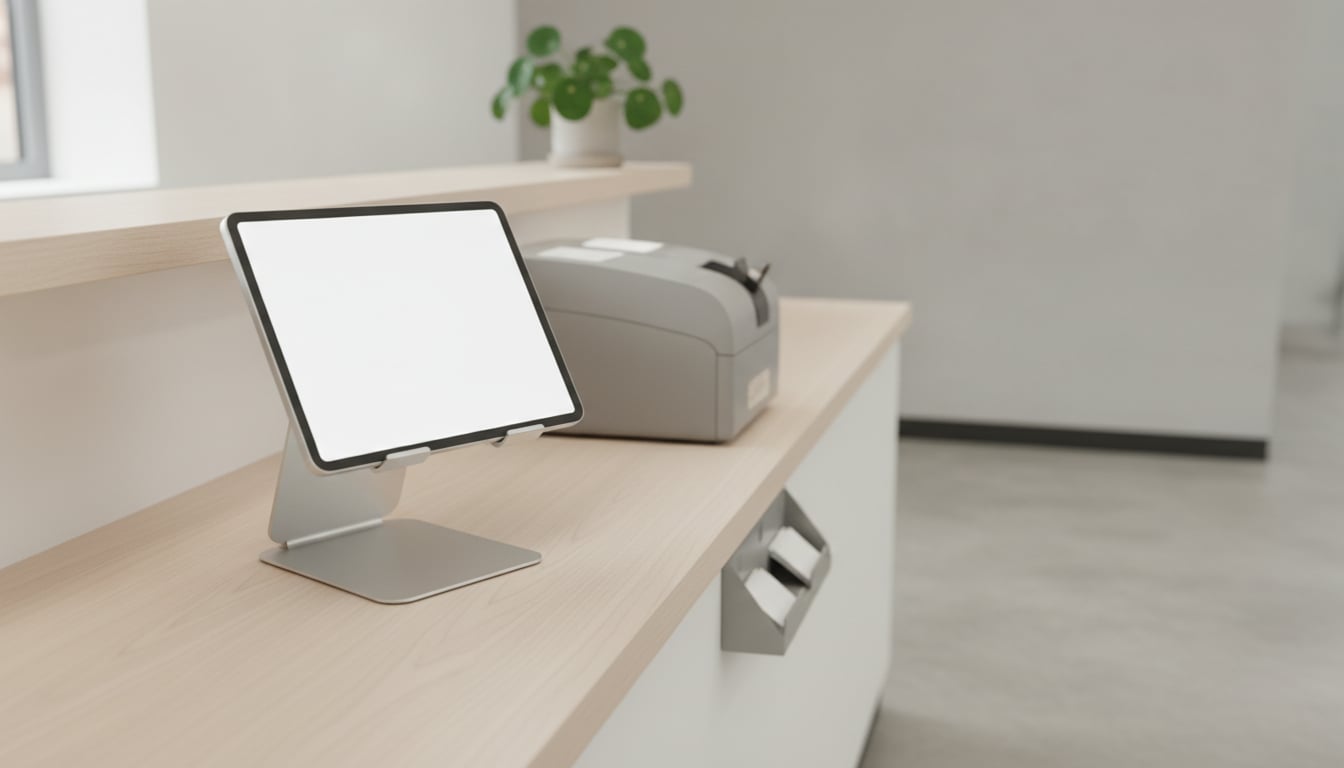
The punch clock by the back door jams again. A card goes missing, someone writes their hours on a sticky note, and on payroll day you're adding up cards by hand. If that sounds familiar, you've probably started looking at time clock options for small business owners like you.
The sales pages don't make those options easy to compare. This guide puts five common employee clock in methods side by side: the effort each one takes, how well it stops one person from punching in for another, and which kind of team it fits.
What the Law Actually Asks You to Record
Start with what the rules require, because that's what any system has to produce.
According to the U.S. Department of Labor's Fact Sheet #21, records under the Fair Labor Standards Act (FLSA) include hours worked each day and total hours worked each workweek.
The same fact sheet says the federal rules don't pick a tool for you. Employers may use any timekeeping method they choose, and any timekeeping plan is acceptable as long as it is complete and accurate.
So a paper card isn't automatically a problem, and a high-tech clock isn't automatically a solution. What matters is whether your records are complete and accurate.
That's the federal picture. State laws may add their own requirements, so check the rules in your state before you settle on a system. Once you have records, you also need to hold on to them. We cover that in how long to keep employee time cards.
Five Ways Employees Clock In, Side by Side
When owners compare time clock options for small business use, they tend to focus on the device. The bigger differences show up later, in the weekly work of collecting hours and fixing mistakes.
Two terms in the table need a quick definition. Buddy punching is when one employee clocks in for another. Ongoing cost includes supplies, subscriptions, and the staff time it takes to run the system.
For upfront effort, ongoing cost, and setup work, Low is better. For buddy-punching resistance and payroll export, High is better. These are general ratings, and individual products vary.
| Method | Upfront effort | Ongoing cost | Setup work | Buddy-punching resistance | Payroll export | Best fit |
|---|---|---|---|---|---|---|
| Mechanical punch clock | Low | High | Low | Low | Low | Very small crews at one location |
| Badge/proximity card reader | Medium | Medium | Medium | Low | Medium | Businesses that already use badges |
| Biometric (fingerprint/face) clock | High | Medium | High | High | Medium | Sites with a real buddy-punching problem |
| Employee mobile app | Low | Medium | Medium | Medium | High | Field teams and people on the road |
| Shared tablet kiosk app | Medium | Medium | Low | Low | High | Single-entrance shops, clinics, small offices |
Pros and Trade-Offs of Each Option
Punch clocks and paper timecards
A mechanical punch clock is simple, and nearly everyone understands it right away. There's no software to learn and nothing to log in to.
The trade-offs show up after the punch. You keep buying cards, and someone has to read each one and add up the hours by hand, which takes time and invites mistakes. Cards get lost, and a coworker can punch a friend's card without anyone noticing.
It can still work for a very small crew at one location, where the owner sees everyone arrive.
Badge and proximity card readers
Employees tap or swipe a card at a wall reader, and the punch is stored electronically. That removes the hand math, and it's quick at a busy entrance.
You do have hardware to install and software to connect it to. Badges get lost and need replacing, and you have to collect or deactivate them when someone leaves.
A badge also proves only that the badge was there. One employee can hand a card to another, so buddy punching doesn't go away. This option makes the most sense if you already use badges for something else.
Biometric time clocks
A fingerprint or face scan ties the punch to the actual person, which makes these clocks the hardest to cheat. There's nothing to lose or hand to a coworker.
They also take the most effort. Each employee has to be enrolled, and the equipment is a bigger purchase.
Employees may have privacy concerns about giving a fingerprint or face scan, and some places regulate biometric data. Check your local rules before you buy, and be ready to explain to your team how the data is handled.
If buddy punching is a genuine, ongoing problem, this may be worth it. If not, you may be paying for protection you don't need.
Mobile time clock apps on employees' phones
Workers clock in from an app on their own phones. That's a good match for field teams who don't start the day at one door, and there's no clock for the business to buy.
At a fixed workplace, it's a less natural fit. Some workers dislike using personal phones for work. Each person also has to install the app and sign in, so you become the help desk when someone gets a new phone or forgets a password.
Tablet kiosk apps
A shared tablet at the entrance becomes the time clock. Employees keep the same "clock in at the door" habit they had with a punch clock, but the hours end up digital instead of on a stack of cards.
You'll need a tablet and a spot to mount it, somewhere staff already walk past.
Apps vary, so check whether employees need individual accounts and how records are backed up. And like a punch clock, a tap on a shared screen doesn't prove who tapped. If that concerns you, ask whether the app adds any identity check. A fixed kiosk also won't help people who never come to the building.
Which Option Fits Your Workplace?
The right choice among employee clock in methods depends less on the technology than on where your people start work.
Single-entrance shops and clinics. If everyone walks through the same door, a fixed clock at that door is hard to beat. See our guides for retail stores and clinics and dental offices.
Teams on the road. If people start at job sites or customers' homes, a wall-mounted clock won't reach them. A mobile app is the natural fit, as long as your crew is comfortable using their phones.
High-turnover hourly crews. When new people start often, setup per person matters. Look for a system where you can add someone quickly, without issuing a card, enrolling a fingerprint, or walking them through an app install.
A quick checklist before you decide:
- Where does each person actually start work?
- Is buddy punching a real problem here, or just a worry?
- How will hours get to whoever runs payroll?
- What happens on a new hire's first day?
- Will it give you complete, accurate records of daily and weekly hours?
Punch Clock vs Time Clock App: Making the Switch Smoothly
Whichever system you pick, a little planning makes the move easier.
- Switch at the start of a pay period. That way, no paycheck has to be pieced together from two systems.
- Decide whether to overlap. Running both systems for a short time lets you compare totals and catch problems, but it's double work. If you skip it, set a firm cutover date and tell everyone.
- Set a missed-punch policy first. People will forget in the early weeks. Decide who fixes a missed punch and who approves the fix. Our missed punch policy guide walks through it.
For more on the move itself, see switching from paper timecards to digital.
Replacing the Punch Clock with a Tablet Kiosk
If a shared tablet at the door sounds right for your team, that's what Time Clock App does. Staff clock in by tapping a shared tablet at the entrance, much like the old punch clock.
The admin registers the roster once, and employees don't need personal accounts. You can export records to CSV or Excel, and punch reminders help prevent missed punches. Records are stored on the device and protected by iCloud or Google Backup.
Pricing is a flat monthly rate per device, with unlimited employees: $4.99 on iOS and $4.99 on Android. It's free for one user, and teams get a 30-day free trial. See the pricing details.
Like any time clock, it's a tool for keeping records. Making sure they're complete and accurate is still up to you.
The Bottom Line
No single option wins for everyone. A punch clock is simple but slow at payroll. Badges and biometrics add control, along with hardware and setup. Phones suit people on the move. A shared tablet keeps the door routine and drops the hand math.
In the punch clock vs time clock app decision, start with where your team clocks in. Then confirm the system gives you complete, accurate records.
Get Time Clock App today

