Digitize time cards with a simple tablet clock
Replace paper punches without disrupting routines.
Administrators upload the roster once.
Staff clock in on the shared tablet—no individual setup required.
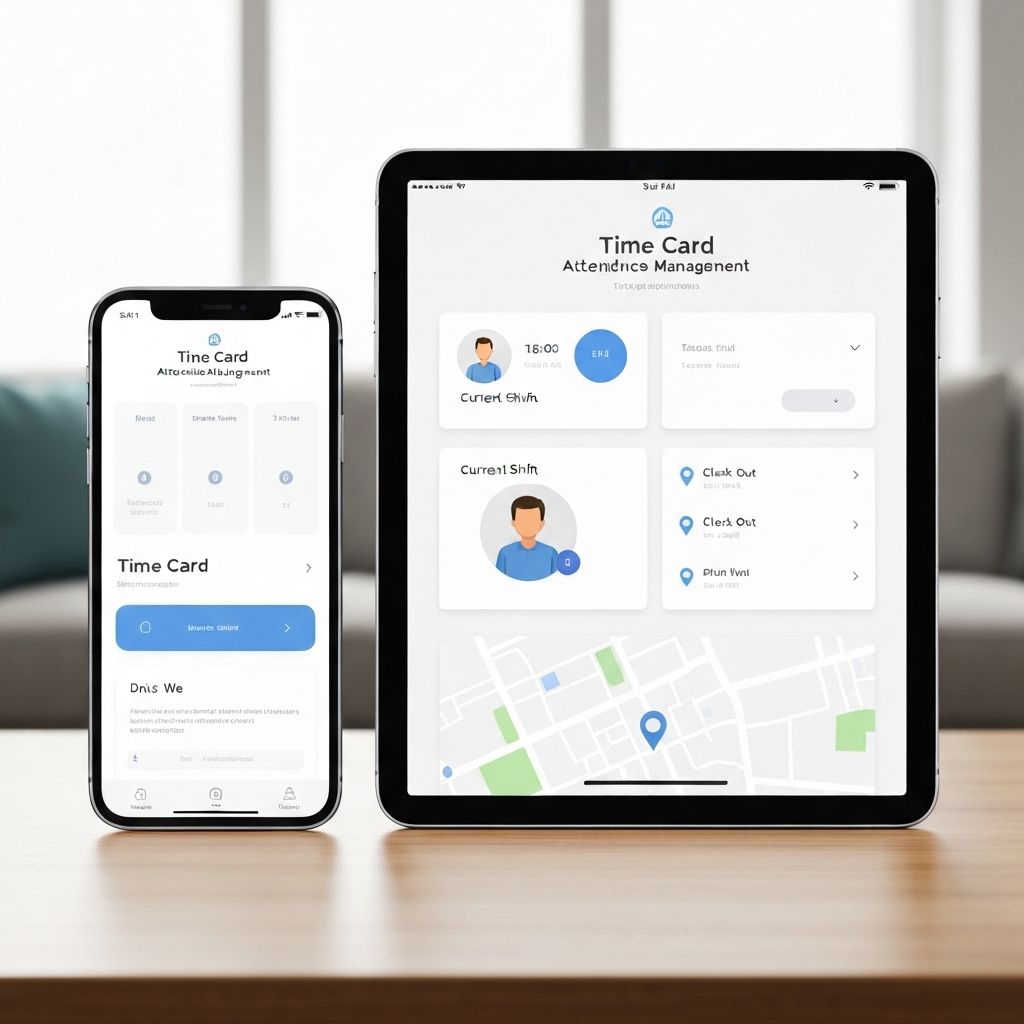
Try the kiosk workflow free for 30 days
Confirm the setup in your environment and replace paper cards at your own pace. Our team is available to help you configure everything along the way.


What you get with Time Clock App
Purpose-built for small to mid-sized operations that prioritize stability over complexity.
Administrators register members once
—staff clock in on the kiosk without personal accounts.
Digitize paper time cards
with a straightforward tablet interface.
¥780 flat monthly rate per device
with unlimited employees included.
Export & reminder tools
enable CSV/Excel downloads and punch alerts for managers.
OS backups secure
the on-device database with iCloud or Google Backup support.
Multi-device support
Access management interface from PC, tablet, and smartphone.
Remove the friction of paper-based time tracking
Time Clock App brings reliable digital records to teams that prefer a fixed kiosk. Keep familiar workflows while cutting the manual workload.
Stay close to the current process
Digitize paper time cards without redefining shifts or punch routines.
Predictable operational costs
A ¥780 flat monthly rate per device keeps budgets steady—even as the team grows.
Reliable data retention
Attendance records stay on the tablet, with OS backups plus export and reminders to prevent omissions.
Three steps to launch
Install the app
Set up the Time Clock App on the tablet you plan to mount at the workplace.
Register members centrally
Administrators add the roster once so the entire team appears on the shared terminal.
Start recording punches
Employees tap the kiosk to clock in and out—no individual login or configuration required.
When you need the whole team
After solo testing, sign up for the 30-day free trial to unlock multi-member management and sharing so you can validate real operations.
Try the kiosk workflow free for 30 days
Confirm the setup in your environment and replace paper cards at your own pace. Our team is available to help you configure everything along the way.
Industry-specific guidance
Shared tablets capture rush-hour clock-ins so managers onboard new staff without extra logins.
In preparation: salon guidance on using a shared tablet during stylist changeovers is coming soon.
In preparation: clinic guides for shared tablets across reception and exam rooms are coming soon.
In preparation: factory guides on tablet-based shift changes and staffing records are coming soon.
In preparation: care facility guides on tablet attendance for day and night shifts are coming soon.
In preparation: cram school guides on shared tablets for rotating instructors are coming soon.
In preparation: retail guides on tablet attendance for multi-store staff rotations are coming soon.
In preparation: office guides on shared tablets for flex schedules and visitor flow are coming soon.
In preparation: hotel guides on shared tablets for guest-facing and facility teams are coming soon.
How to get started
Start free, explore the 30-day trial, and then roll into full deployment.
Perfect when you just want to see how it works. Use every feature for one member at no cost.
- Start instantly—no registration required
- Clocking, reporting, and export tools included
- Experience everything from the paid version
Try full team operations for 30 days. Use every feature with unlimited members.
- Trial run with multiple teammates
- No feature restrictions—identical to the paid plan
- Automatically rolls into the paid plan after 30 days (cancel anytime during the trial)
Bring predictable, reliable attendance tracking to the whole team with unlimited members.
- Unlimited members and devices
- Cloud backups and CSV exports
- Email support included
Customer voices
Voices from companies that have actually implemented TimeCard Pro.
Before implementation, monthly attendance aggregation took half a day, but now it's completed automatically. We achieved significant time savings.
Employee response has been good, and we like that it's simple to operate and anyone can use it.
Frequently asked questions
Do employees need their own accounts?
No. Administrators create the member list and employees clock in on the shared tablet without individual setup.
Can we replace paper time cards?
Yes. The interface mirrors traditional clock in/out actions so teams can switch without retraining.
Is our data safe?
Records are stored on the device and protected by OS-level backups like iCloud or Google Backup.
How do we handle payroll and missed punches?
Export attendance data as CSV or Excel, and use reminder notifications to prevent missed punches.
What's included for free?
Free access covers one user's activity with every feature enabled—clocking, history, exports, and notifications.
How do we try it with the team?
Start the 30-day subscription trial to unlock multi-member management and shared controls.
Try the kiosk workflow free for 30 days
Confirm the setup in your environment and replace paper cards at your own pace. Our team is available to help you configure everything along the way.